File permissions
This page needs a recent browser (with SharedArrayBuffer support). Please update Chrome, Edge, Firefox or Safari to the latest version.
Who can do what
- Every file has permissions that say who may read, write, or execute it.
ls -lshows them on the left of each line:
ls -l script.sh
- You see something like
-rwxr-xr-x. Read it in groups of three.
Reading the flags
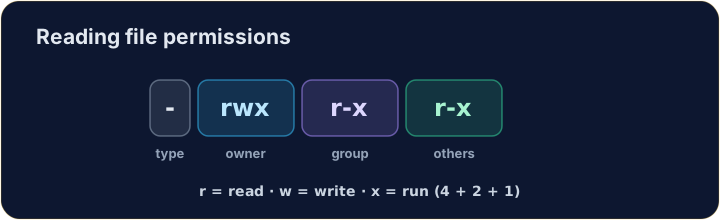
- The ten characters are: type, then owner, group, others:
-  rwx  r-x  r-x
file owner group others
r= read,w= write,x= execute,-= not allowed. So the owner here can do everything; others can read and run.
Changing permissions
chmodchanges the mode. Numbers are a quick way:r=4, w=2, x=1, added per group:
chmod 755 script.sh
7= 4+2+1 (rwx) for the owner;5= 4+1 (r-x) for group and others.755is the classic "runnable program".
Common mistakes
chmodsets read, write and execute for user, group and others.- You need execute permission to run a script.
Explore
File permissions (chmod)
Owner / group / others each get rwx — the octal is just those bits.
Make script.sh runnable by giving it permissions 755 with chmod 755 script.sh. The check shows ls -l so you can see the new rwx flags.
secret.key holds a private key, so no one but you should read it. Give it permission 600 with chmod 600 secret.key — owner read+write, group and others nothing.